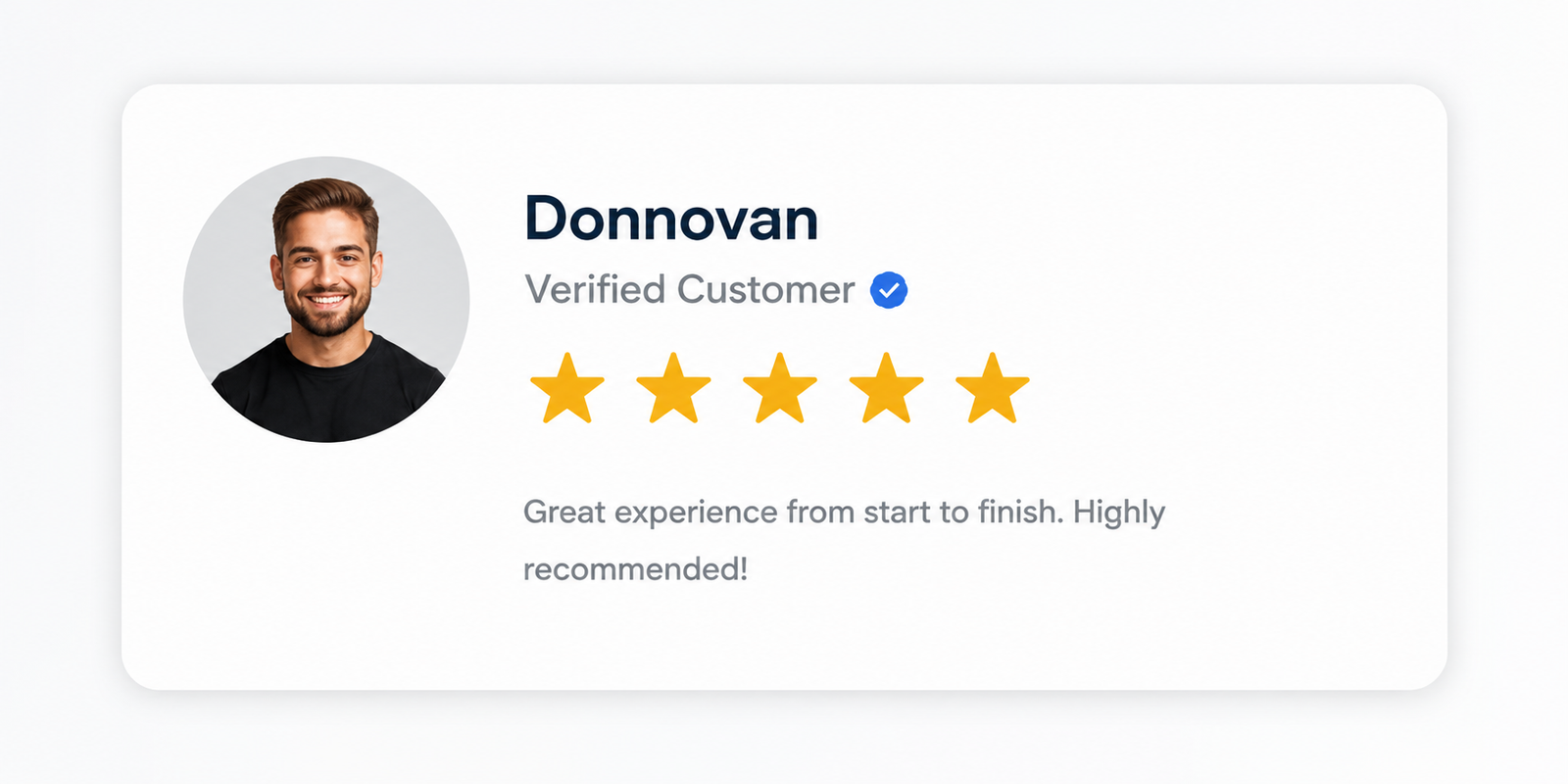
Getting customers to leave positive reviews for your business can be hard.
Most customers remember to leave reviews when they’ve had a less-than-perfect experience but often forget when things go smoothly. It’s a lot harder to also incentivize reviews, especially as Google considers incentivized reviews to be a violation of its Google Business Profile terms and conditions.
So, how do honest local businesses, like yours, generate positive reviews and encourage customers to establish the social proof that can literally affect their visibility on maps and local search?
Prompt After Service
The best way to get customer reviews is to ask verbally or electronically as soon as the job/service is completed. This ensures that the client or customer’s raw emotions are captured in their reviews.
Waiting for too long after the service has been completed reduces the chances of getting a review by as much as 80%. In most cases, clients cannot remember the specific experiences they felt at the point of service delivery and would instead leave a rating instead of a review.
Always remember that ratings are great, but reviews are what set your business apart from other prospective customers.
Print QR Codes
Generating a QR code for your review link is also a handy way to ensure that customers and clients are able to leave reviews for your business in simple and easy steps.
Here are the steps to generate a direct review link/QR code for your Google Business Profile:
- Visit your Google Business Profile: https://business.google.com/locations
- Select your business profile listing.
- Click “Ask for review” on your business profile dashboard.
- Right-click and select “Save Image As” to save the QR Code.
- Scan the QR code to be sure it leads directly to your business profile review page.
- Print and share the QR code with customers and clients.
Reply Reviews
Replying to your Google reviews is a great way to boost your local visibility, showcase yourself as an engaging business owner, and also reward customers for taking the time to leave your business a review on Google Maps.
Pro Tip: Try mentioning the service provided to the customer in your Google Business Profile Review replies. This has a great way of reinforcing your keyword ranking and triggering your business to show up in search for those keywords.
Looking to Remove Malicious or Fake Google Business Profile Reviews?
Fake Google Business Profile reviews can destroy your local ranking, visibility, and credibility amongst prospective clients and customers. It’s more painful when those fake, negative reviews are a coordinated attempt by competitors to drown your business.
We can help remove those fake, negative reviews. Our team works directly with Google’s internal review team to flag the fake reviews for removal.